Last checked against official documentation: 28 November 2026 (UTC+8).
Many people who are new to crypto treat a wallet and an exchange as the same thing. Both can show a balance, and both can be used to send funds or to buy and sell. But they hold assets in very different ways. In short: an exchange is a platform that matches buyers and sellers; a wallet is a tool you use to hold your own assets.
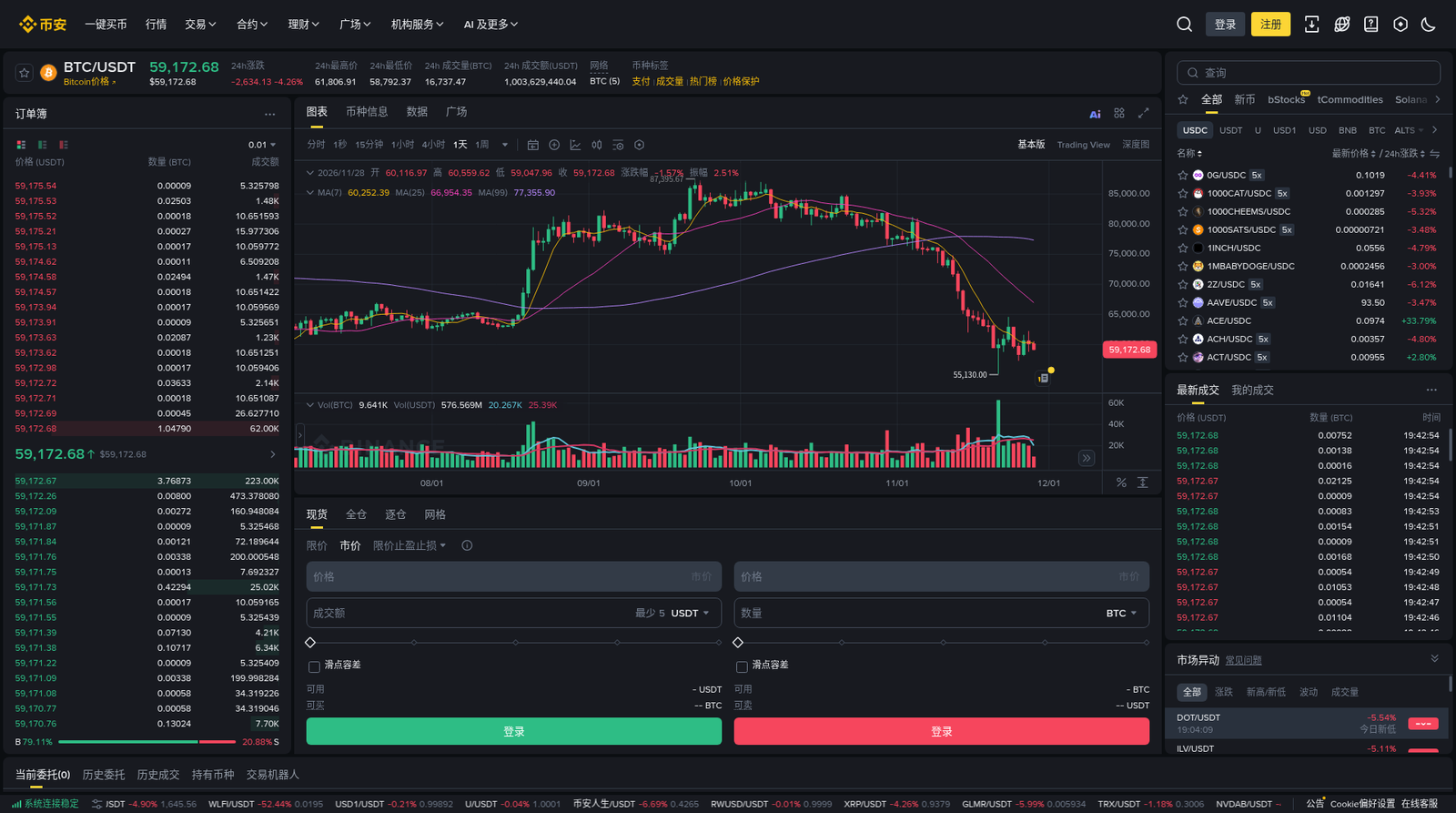
What an exchange does
An exchange’s job is to let buyers and sellers complete trades in one place. You usually register an account first, place assets in that account, and then place orders on the platform.
For beginners, the most obvious advantage is that everything sits in one account: prices, buying and selling, and your records. The trade-off is that assets you deposit are recorded under the platform account. You log in with an account and password, plus the security settings the platform provides. You generally do not control those assets with a seed phrase you keep yourself.
If your goal is to buy and sell, starting with an exchange is usually the more direct path.
What a wallet does
A wallet is used to generate and keep the keys you need to receive and send assets on a blockchain. The address you see is for receiving funds. What actually determines who controls the assets is the private key or seed phrase.
When you use a wallet, the assets on the chain are controlled by you. Transfers and connections to on-chain apps usually require a confirmation in the wallet. The benefit is more control; the cost is that the responsibility is yours as well. If the seed phrase or private key is leaked, someone else may be able to move the assets. If it is lost, it is often impossible to recover them.
For how to store a seed phrase, and what not to do, see this site’s seed phrase safety guide.
Where the real differences are
You can look at three things.
First, who controls the assets. On an exchange, assets are recorded under your platform account, and deposits and withdrawals follow the platform’s rules and processes. In a wallet, assets are controlled by the keys you hold, and a transaction goes out only after you confirm it.
Second, what each is suited for. If you want to buy and sell inside one platform, an exchange is the better fit. If you need to receive funds at an on-chain address, send a transfer yourself, or use an on-chain app, you need a wallet.
Third, what happens when something goes wrong. An exchange account can usually go through the platform’s recovery or security process, such as resetting a password or turning on extra verification. On the wallet side, the platform cannot recover your seed phrase for you. Whoever has the seed phrase controls the assets.
So having an exchange account does not mean you already have an on-chain wallet whose keys you keep yourself; and having a wallet does not mean you have already opened an account on an exchange.
The Binance exchange and Binance Wallet (Web)
Binance offers both a trading platform and Binance Wallet. The former is for buying and selling on the Binance exchange; the latter is for managing assets on-chain and making on-chain transactions. The two can be used together, but they are not the same thing, and their referral entry points are also different.
According to the Binance Help Center article on Binance Wallet (Web), it is the web version of Binance Wallet, designed for users who want to make on-chain transactions on a desktop. It is also what people often call the web version of the Binance Web3 Wallet. It uses a login method based on Binance’s self-custody MPC wallet. Users who already have a Binance Wallet do not need to register again; they can log in by scanning with the Binance App.
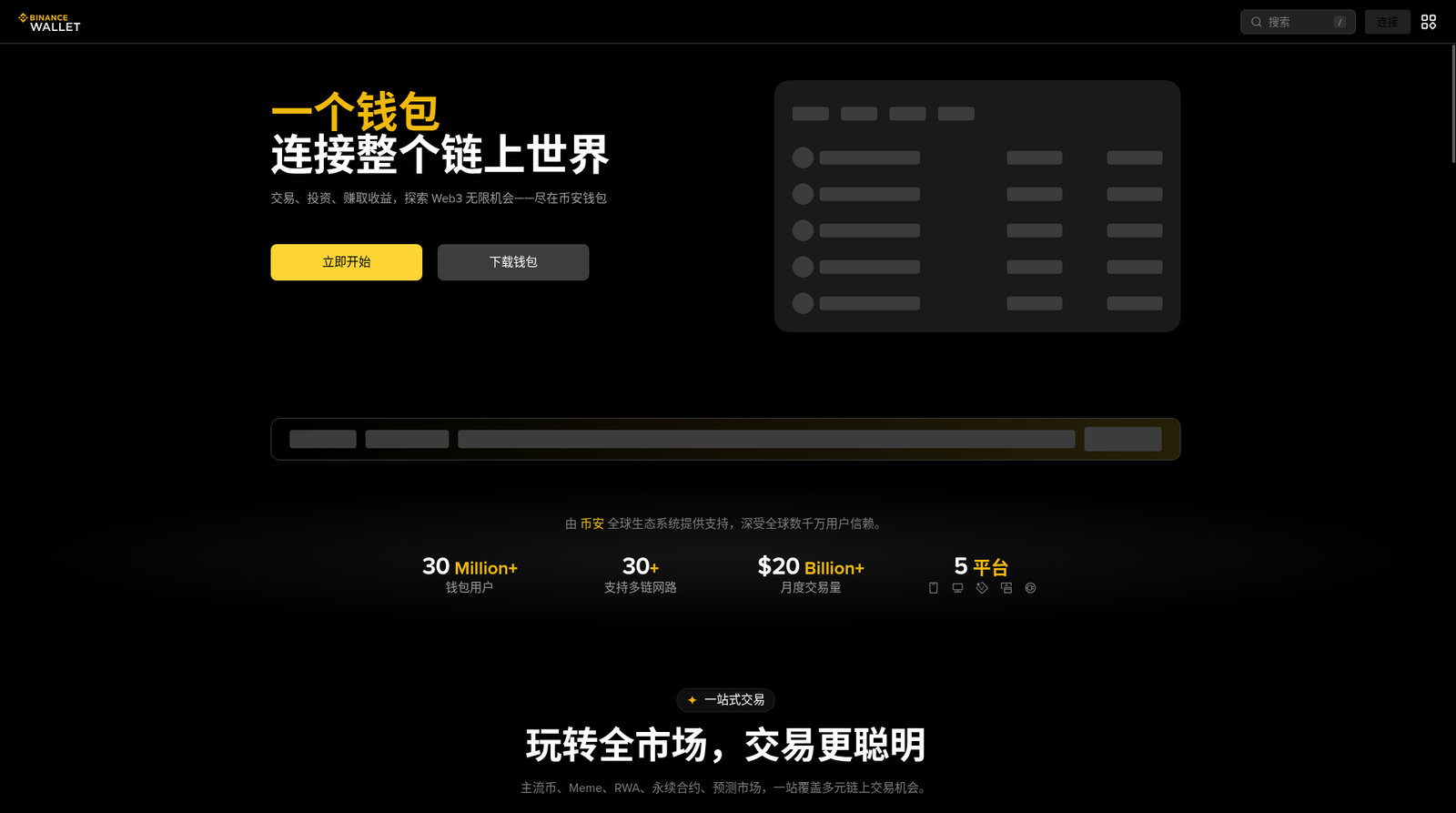
The image above is the official Binance Wallet (Web) homepage, not the signed-in wallet interface.
The web version currently supports asset trading and analysis on BNB Chain and Solana, such as viewing trending tokens, token details, holdings, and yield records. It also offers Secure Auto Sign (SAS): once it is enabled, you do not have to open the mobile app to confirm every transaction. Official documentation says the signing takes place in a trusted execution environment, and the user remains in full self-custody; neither Binance nor the hardware provider can access the private keys or carry out unauthorized operations. Authorization expires based on usage and has to be turned on again afterwards; the exact rules follow the official documentation.
It is important to keep the two separate. Assets in an exchange account are recorded under the platform account. On-chain assets in Binance Wallet (Web), according to official wording, remain in your self-custody. Opening a Binance exchange account does not mean you are already using Binance Wallet; using the wallet does not mean trades on the exchange happen automatically. Official materials also note that on-chain transactions carry greater risk than trading on the main Binance exchange site. Read the official wallet terms before you use it. When you trade in the web version, there is usually a service fee charged by the platform, plus priority fees and gas fees paid to the blockchain network. The rates are as shown on the official page at the time.
Binance Wallet (Web) has a separate referral program, which is not the same as the exchange sign-up referral. Official terms state that this referral code applies only to services related to the decentralized trading aggregator, and must not be described as providing rebates or benefits on Binance’s centralized exchange. Each user can bind only one wallet referral code, and it cannot be changed after it is bound. Eligibility and how any rebate is calculated are as shown on the official page at the time.
If you only want to learn how to buy and sell on an exchange first, it is enough to understand how the exchange works. You can learn about wallets later, when you actually need to make on-chain transactions. Whichever you use, start by being clear about this: where the assets are right now, and who holds the keys or login credentials.
Registration and referral links
If you want to open an exchange account, you can register on Binance with referral code HUB888. This is the official entry point; what you see after you open it is as shown on the page at the time:
If you want to use Binance Wallet (Web), the referral code is also HUB888. The official referral entry is:
Exchange registration and the wallet referral are two different entry points. Please open the matching page and confirm that the referral code has been applied. If the campaign rules change, follow what the official pages show at the time.
Last checked: 28 November 2026 (UTC+8).
⚠️ Educational content only, not financial advice. Some links are referral links; rebates, rewards and campaign terms are per official platform rules.